
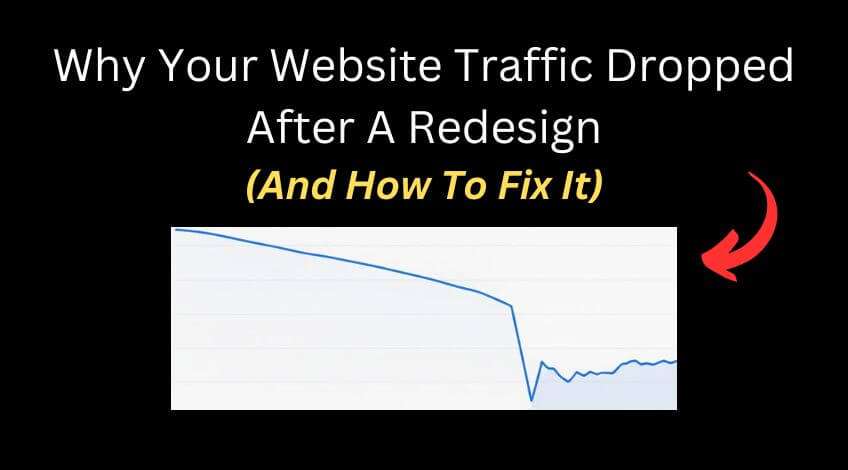
Your new website looks incredible. Clean design, better functionality, everything you wanted. Then you check your analytics and your stomach drops. Traffic has fallen off a cliff.
This happens constantly and it’s usually preventable. The problem is that most business owners don’t realise that building websites and optimising them for search engines are completely different skills. Your designer made something beautiful. But unless they understand search visibility, they’ve probably broken things Google relied on to send you traffic.
Here’s what typically goes wrong and how to recover from it.
Missing Pages That Used To Rank
This one causes more traffic loss than almost anything else.
You had a page on your old site that brought in steady visitors. Your developer rebuilt the site and didn’t include it. Maybe they never saw that page. Maybe they thought it wasn’t important. But Google disagreed. That page was valuable and it used to send a lot of traffic to your business.
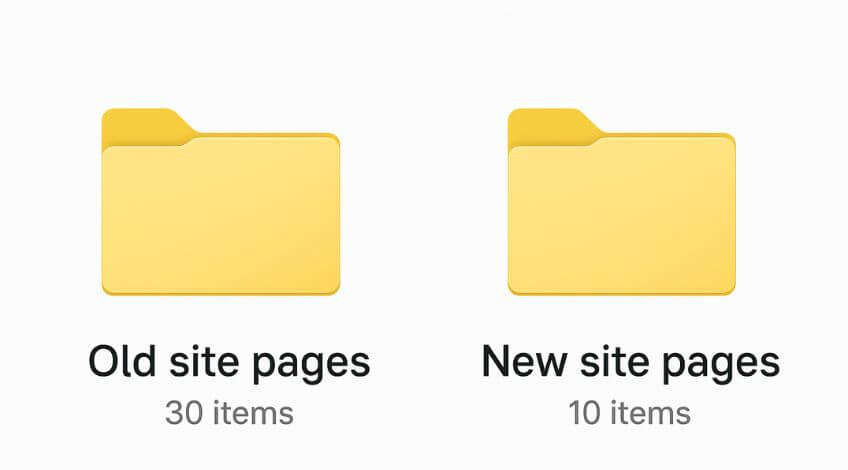
The solution is straightforward but requires some detective work. Go into Ahrefs, put your domain in and look at the top pages report. Compare a date prior to going live with your new website against the current date. Look at any pages that have lost significant traffic. Those are usually your culprits.
You can do this in Google Search Console as well, but Ahrefs tends to work better for this specific job.
Once you’ve identified which pages have disappeared, rebuild them exactly as they were before. Copy over all the data exactly the same. Your title tag, your metadata, all your content, your structure. Everything. Make sure it’s at the exact same URL as it was before the site was rebuilt.
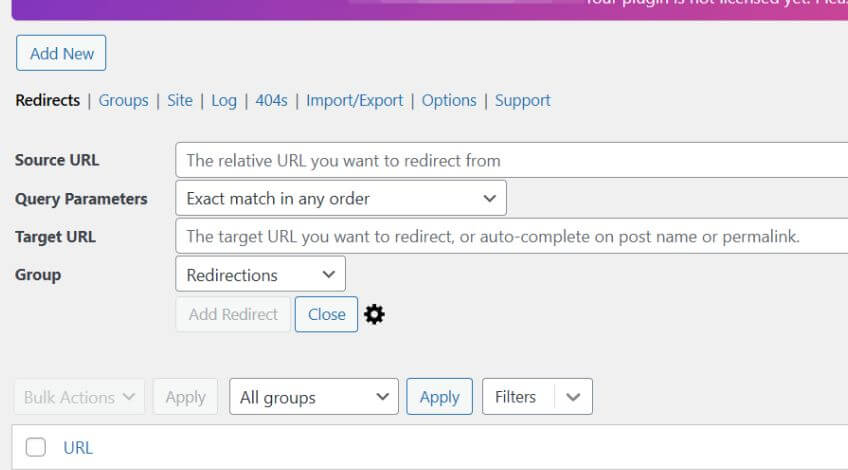
Sometimes the developer will rebuild the page but at a different location. If that’s happened and the new page is already indexed, set up a 301 redirect from the old URL to the new one. But if the new page isn’t indexed yet, you’re better off changing the URL for the new page to match the old one.
URL Changes Without 301 Redirects
Another common issue is switching from www to the non www version of your domain or the other way around.
If this has already happened and the new site has been indexed and you’re getting some traffic, you’re probably best off setting up a 301 redirect from one version to the other. But if the site hasn’t been indexed yet, match what it was before going live with the new site.
Google sees these as different sites. Don’t create this problem for yourself if you can avoid it.
Any time you change a URL, you need a redirect in place. Every URL change without a redirect is traffic you’re losing.
Title Tags And Meta Descriptions Not Carried Over
This isn’t really the sort of job a web designer will do. It’s more of an SEO job. So it’s incredibly common that the new site goes live, the page looks very similar, but it no longer follows the same heading structure.
Google struggles to understand what the page is about. Maybe the site didn’t bring over the same title tag as before, which was an optimised title tag that had a good click through rate and had some good keywords in there. These things affect a lot of different websites.
Go into the Wayback Machine if you don’t have a backup of the old version of your website. Put your URL in, have a look at the old data, examine the old structure of your page and make sure that matches what you’re now doing on the new version.
Page structure and metadata not being moved over is one of the biggest silent killers of traffic after a rebuild.
No Index Tags Blocking Google
This one is incredibly common and really easy to solve.
When somebody’s building a website, they’ll put a no index tag on it to stop Google from indexing that alongside the old version of your website that was live at the time. Then when they’ve gone live with the new website, they’ve forgotten to take off the no index tag.
Your entire site is telling Google not to index it.
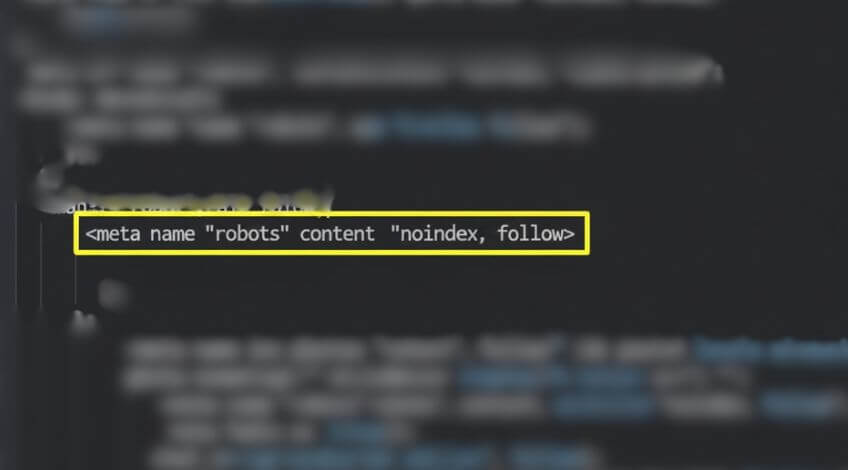
Check your code. Do Control+U to have a look at the source code and see if there’s a no index tag in there. If you find it, remove it immediately.
Wrong Canonical Tags On Duplicate Pages
This happens all the time with developers who duplicate pages.
Canonical tags tell Google exactly which version of a page should be indexed in their search engine. A developer will build one page and set a canonical tag. Then they’ll duplicate that page to make another page and not update the canonical tag. Now you’ve got pages with canonical tags pointing at totally different irrelevant pages.
Check the canonical tag for each important page. Make sure it’s actually the correct canonical tag that you intended to be there and it’s not pointing at a completely different page. If it is, Google will not index that page.
Internal Links Still Pointing To Staging Site
Sometimes internal links get left pointing to the staging version of the site instead of the live version.
This creates broken links and confuses both users and search engines. Check your internal linking structure to make sure everything points to the live site.
Robots.txt File Blocking Crawlers
Problems with your robots.txt file blocking access to certain paths come up regularly.
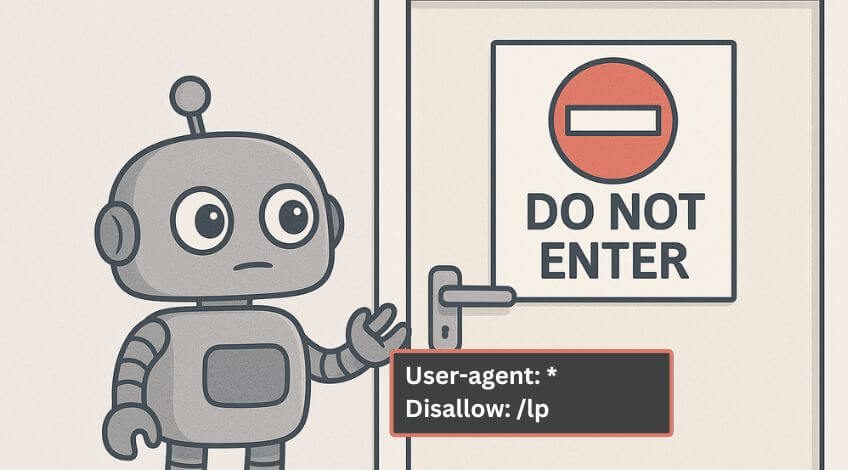
If your robots.txt is blocking crawlers from important sections of your site, Google can’t index those pages. Check your robots.txt file and make sure it’s not accidentally blocking pages you want indexed.
XML Sitemap Not Updated After Launch
Old sitemaps still being on the server cause confusion.
Make sure your sitemap is updated to reflect your new site structure and submitted properly. An outdated sitemap sends Google looking for pages that don’t exist anymore while missing pages that do.
Slow Page Speed And Server Issues
Server changes during a migration can slow your site down dramatically. Your old host might have been faster. Your new design might include large design elements that slow loading times.
Google doesn’t like slow websites. These things make a big difference to your traffic if you don’t address them.
Run a full technical audit. Use Screaming Frog to crawl your site. Check Ahrefs for issues. Review everything in Search Console. Look at page load times and how your server is performing.
How To Recover Lost Rankings After A Website Rebuild
If your rankings dropped after a rebuild, you can fix this.
Start with the biggest issues. Missing pages that used to drive traffic. No index tags. Broken redirects. Wrong canonical tags. These cause the most immediate harm.
Then move to structural problems. Heading hierarchy. Title tags. Meta descriptions.
Finally address performance. Page speed. Server issues. Large images or design elements slowing things down.
Work through everything systematically. The more data you gather, the more likely you are to recover those rankings and get your business back to where it was.
Run Complete Technical Audits
Here’s what you absolutely need to do: run a Screaming Frog audit, run an Ahrefs audit and have a look through Search Console. Check everything.
The more data you get, the more likely you are to recover those rankings and get your business back to where it was.
Screaming Frog will crawl your entire site and flag technical issues like broken links, missing meta descriptions, redirect chains and duplicate content. Ahrefs will show you which pages lost traffic and identify backlink issues. Search Console will reveal indexing problems and search performance changes.
Don’t just check one thing. Check everything. You might think you’ve found the problem, but there could be four more issues hiding underneath.
Dan Jones recommends treating every website rebuild as a potential disaster until proven otherwise. The businesses that maintain their search visibility through redesigns are the ones that audit obsessively before, during and after launch.
On Top Marketing sees this pattern constantly. A business invests thousands in a beautiful new website, then watches their leads dry up because nobody thought about search engines during the process. The design and the optimisation need to happen together, not as separate projects.
Why Website Redesigns Kill SEO Rankings
Most web design agencies don’t specialise in SEO. They specialise in making things look professional. That’s a valuable skill but it’s not the same as understanding how Google indexes and ranks websites.
Web designers are one profession, while SEO experts are another. You need to bring these two together if you want to maintain your rankings in Google when you go live with a new website.
When you hire someone to rebuild your site, ask specific questions about SEO. How will they handle redirects? Will they preserve your existing URL structure? Do they understand heading hierarchy and title tag optimisation? Will they check for no index tags before launch? What about canonical tags and robots.txt files?
If they look confused by these questions, you need an SEO specialist involved before they start building.
The alternative is what you’re experiencing now. A gorgeous website that nobody can find.
Traffic loss after a website rebuild is predictable and preventable. But once it’s happened, you need to act quickly. Every day your site stays broken is another day of lost business.
Check your pages, your redirects, your technical tags, your sitemaps, your robots.txt and your performance. Fix what’s broken. Then watch your traffic recover.